 ianwalter
@ianwalter/release
CLI workflow for releasing JavaScript packages


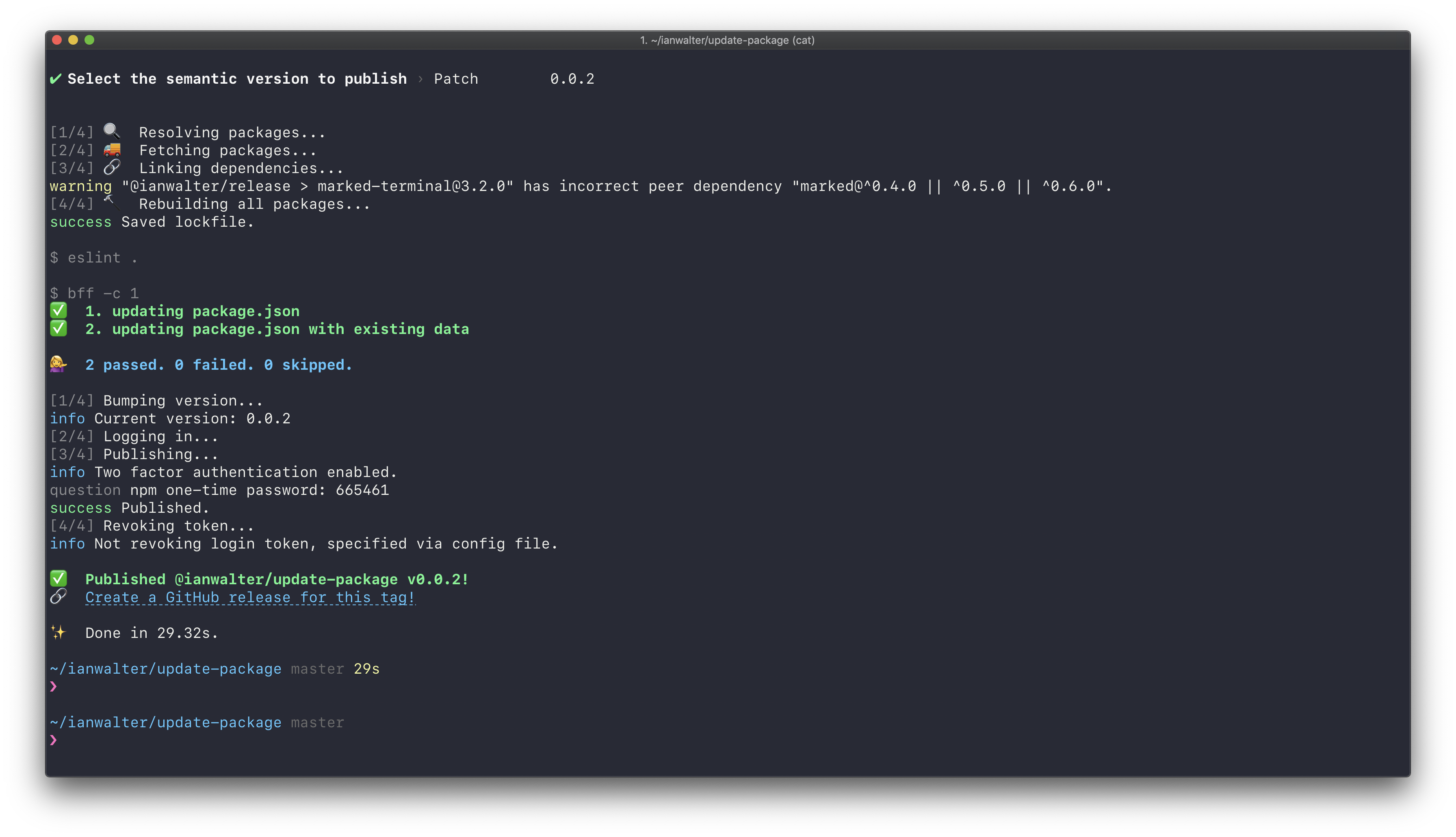
About
HEAVILY inspired by np but with the following features:
- Better support for
yarn - A release branch workflow to help with GitHub master branch protections
- Support for multiple (and external) registries
Workflow
- <input checked="" disabled="" type="checkbox"> Check and fail if there are uncommited changes in the working directory
- <input checked="" disabled="" type="checkbox"> Check and fail if upstream has new commits
- <input checked="" disabled="" type="checkbox"> Display commits and prompt for a new semantic version if one wasn't
specified as the first arugment - <input checked="" disabled="" type="checkbox"> Check and fail if version tag already exists locally or on remote
- <input checked="" disabled="" type="checkbox"> Re-install dependencies
- <input checked="" disabled="" type="checkbox"> Run linting if there's a lint script
- <input checked="" disabled="" type="checkbox"> Run tests if there's a test script
- <input checked="" disabled="" type="checkbox"> If
--branchis specified, create a release branch, push it, link to anew PR, and prompt for a confirmation to publish - <input checked="" disabled="" type="checkbox"> Update the version in
package.jsonand commit the version bump - <input checked="" disabled="" type="checkbox"> Create a tag and push it up
- <input checked="" disabled="" type="checkbox"> Publish the package and display a link to create a new GitHub release with
the tag from the previous step - <input checked="" disabled="" type="checkbox"> If
--yolois specified, most of checks are skipped and the last 3 stepsare executed
Installation
yarn add @ianwalter/release --devCLI Usage
If you've installed release as a develoment dependency you can run it like:
yarn release [version]The version number is optional. If not specified, you will be prompted for one.
--access, -a <public|restricted>Tells the registry whether this package should be published as public or restricted. Only applies to scoped packages, which default to restricted. If you don’t have a paid account, you must publish with --access public to publish scoped packages.--branch, -bSpecifiesreleaseshould publish from a release branch. The name of the branch is autogenerated based on the version unless given a value.--yolo, -yYou Only Live Once. Disable most of the checks and publish the thing.--log-level, -lSpecifies the log levelreleasewill use. Set todebugif you are having trouble!
Multiple Registries
You can specify that your package be published to multiple registries by
configuring release in your package.json, for example:
{
  "release": {
    "registries": [
      "npm",
      "github",
      "https://some.other.registry.com/"
    ]
  }
}
You can specify npm for npm and github for GitHub Package Registry.
Otherwise, specify the registry URL.
Release Branch Workflow
GitHub branch protections can make it difficult to commit
version updates to your package.json before publishing. In order to get around
this, you can specify the --branch flag and release will automatically
create a release branch, commit the version update, and link to the pull request
creation page on GitHub. It will then prompt you to confirm before publishing
(unless you added the --yolo flag) so that you can get the PR reviewed. You
can also supply a branch name to --branch if you don't want to use the
generated one.
License
Hippocratic License - See LICENSE
Created by Ian Walter