 creativetimofficial
Material Kit 





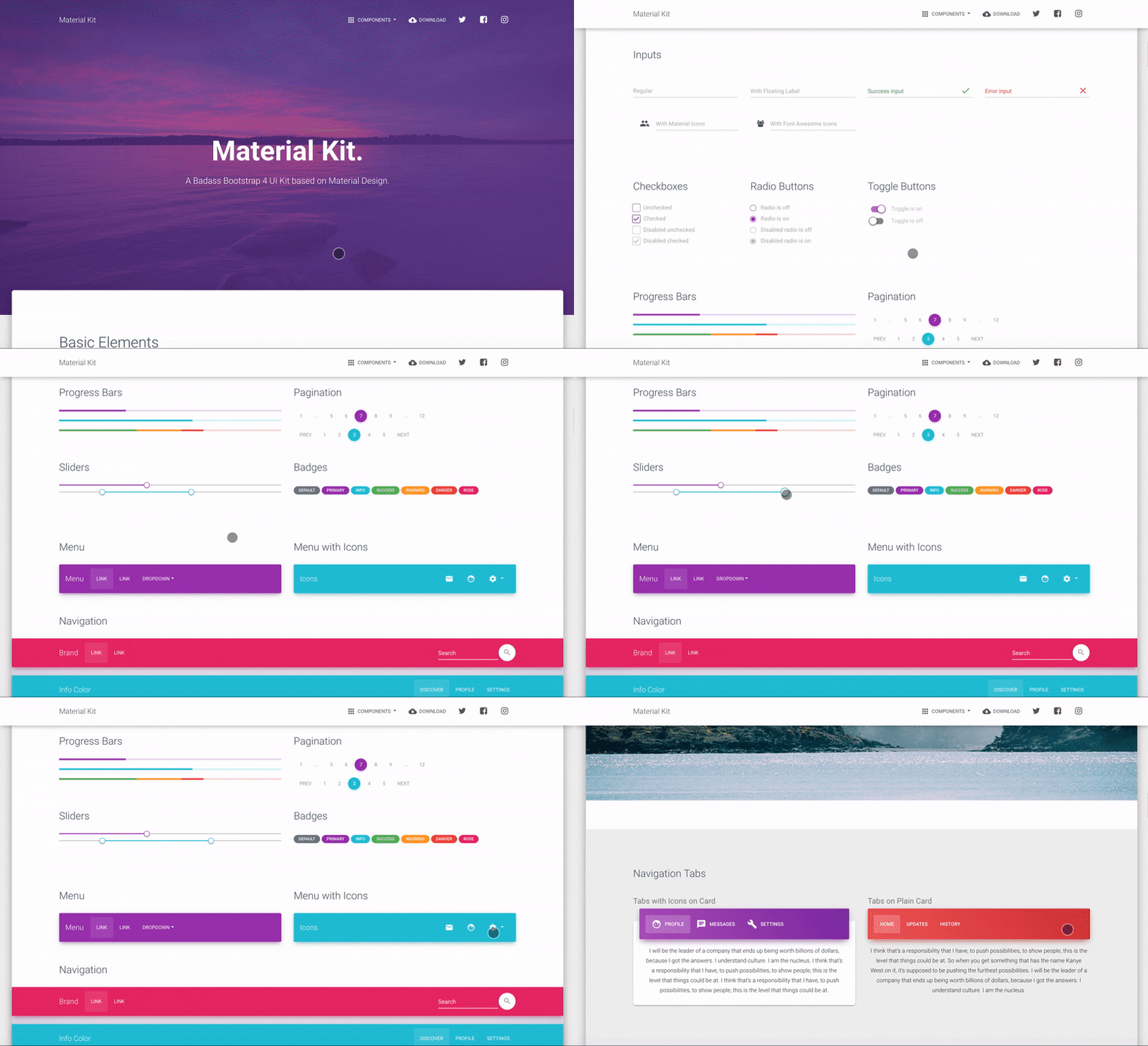
Material Kit is a Free Bootstrap 4 UI Kit with a fresh, new design inspired by Google's material design. You asked for it, so we built it. It's a great pleasure to introduce to you the material concepts in an easy to use and beautiful set of components. Along with the restyling of the Bootstrap elements, you will find three fully-coded example pages, to help you design your next project.
Material Kit makes use of light, surface, and movement. It uses a deliberate color choice, edge-to-edge imagery, and large scale typography. The general layout resembles sheets of paper following multiple different layers so that the depth and order are obvious. The navigation stays mainly on the left and the actions on the right.
This new design has elements that have been the result of research regarding ink and paper and the way objects and materials interact in real life. The result is a beautiful and consistent set of elements that can get you started with your next project. Material Kit is a great tool if you are looking to create a web presence for your Android application and need to be consistent, leaving the impression of visually similar elements. It is also a great resource in its own right, looking gorgeous and helping you build your web pages.
Material Kit is based on the Github Repo from Fezvrasta who did an amazing job creating the backbone for the material effects, animations, and transitions. Big thanks to his team for their forward-thinking efforts.
Table of Contents
- Versions
- Demo
- Quick Start
- Documentation
- File Structure
- Browser Support
- Resources
- Reporting Issues
- Upgrade to Pro Version
- Licensing
- Useful Links
Versions







| HTML | React | Vue |
|---|---|---|
 |
 |
 |
| React Native | Figma | WordPress |
|---|---|---|
 |
 |
 |
Demo
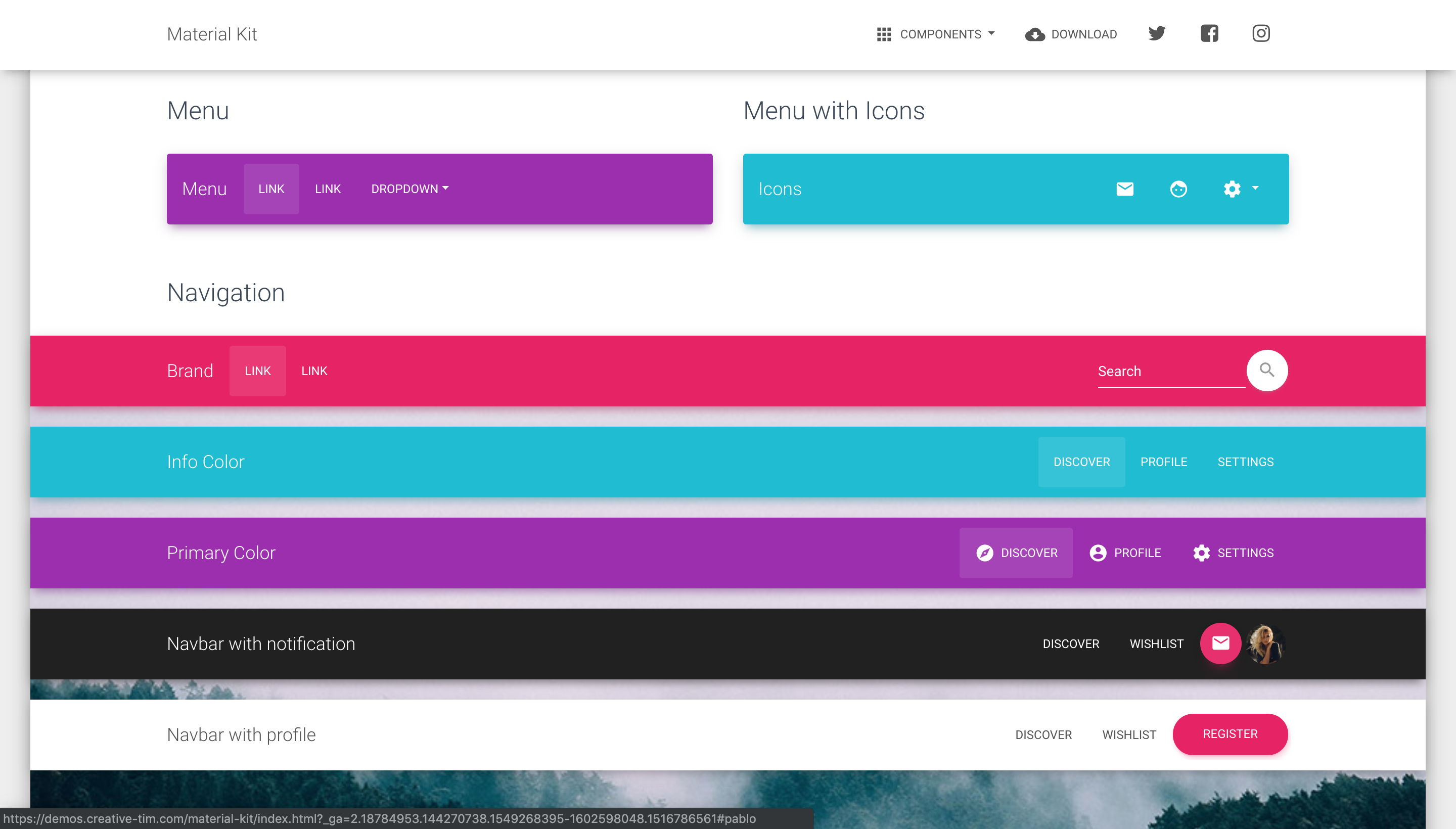
| Buttons | Inputs | Navbars |
|---|---|---|
 |
 |
 |
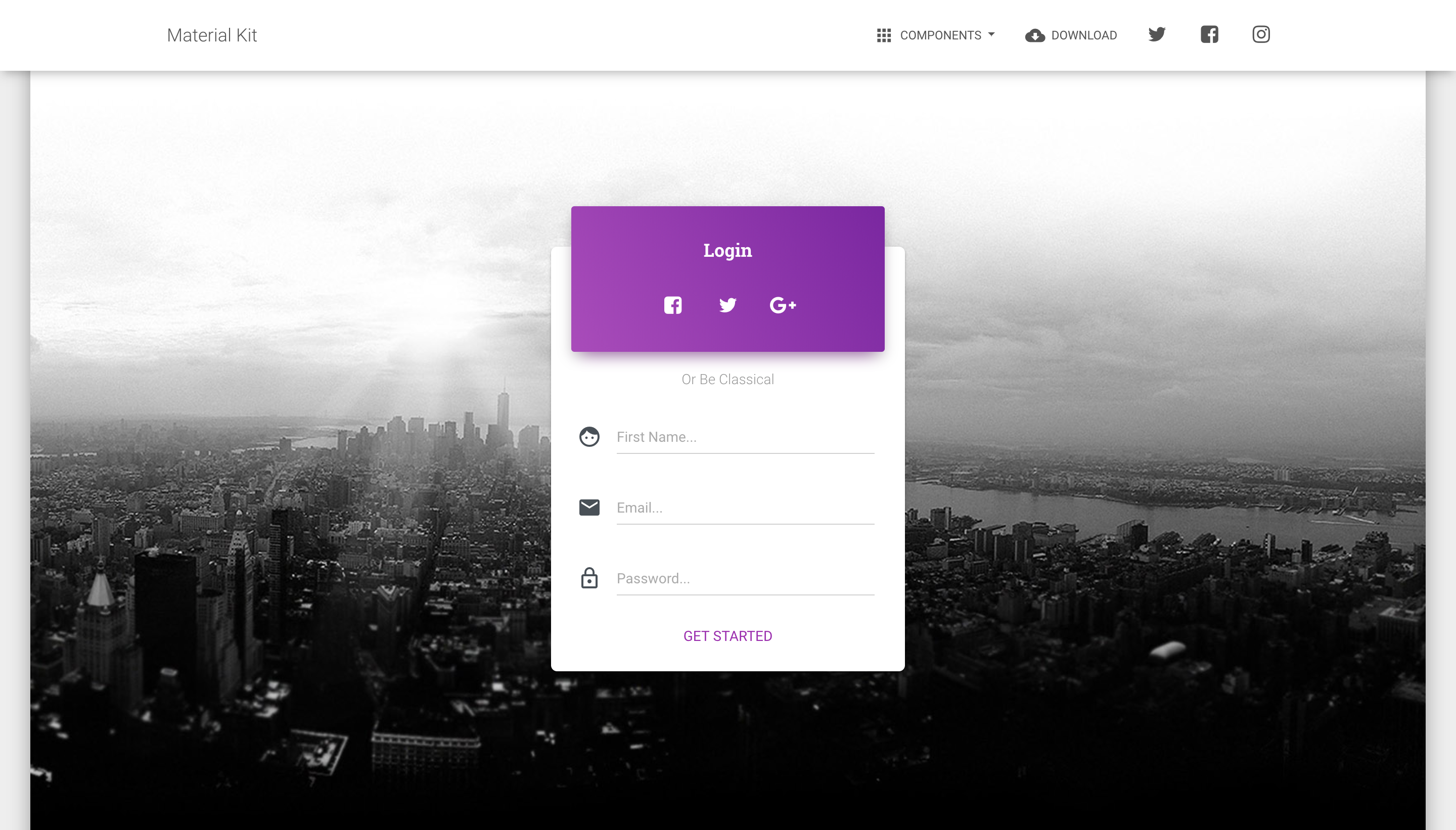
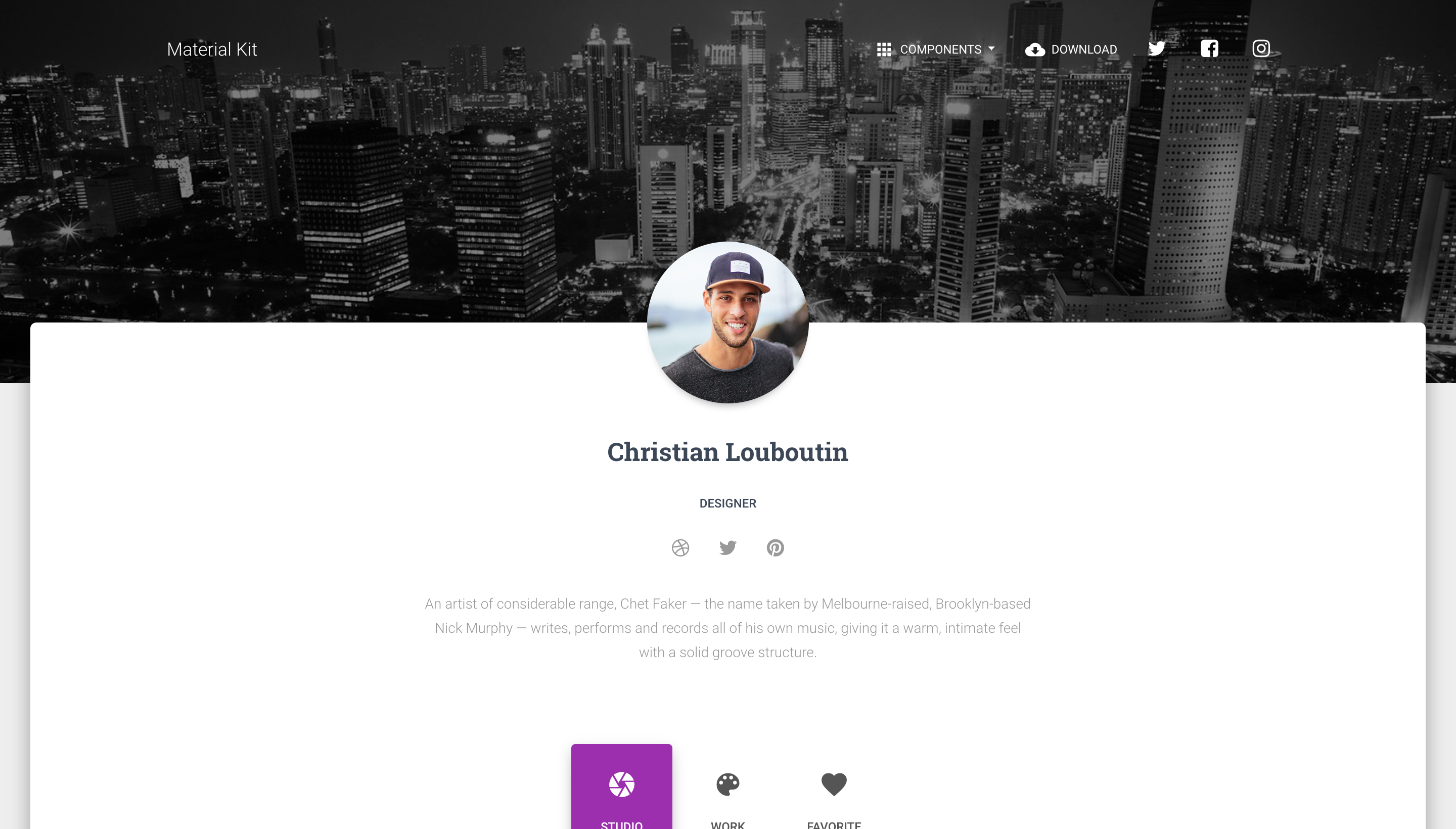
| Login Page | Landing Page | Profile Page |
|---|---|---|
 |
 |
 |
Quick start
npm i material-kit- Download from Github.
- Download from Creative Tim.
- Install with Bower:
bower install material-kit. - Clone the repo:
git clone https://github.com/creativetimofficial/material-kit.git.
Documentation
The documentation for the Material Kit is hosted at our website.
File Structure
Within the download you'll find the following directories and files:
material-kit/
├── CHANGELOG.md
├── LICENSE.md
├── README.md
├── assets
│   ├── assets-for-demo
│   ├── css
│   │   ├── material-kit.css
│   │   ├── material-kit.css.map
│   │   └── material-kit.min.css
│   ├── img
│   ├── js
│   │   ├── bootstrap-material-design.js
│   │   ├── bootstrap-material-design.min.js
│   │   ├── core
│   │   │   ├── jquery.min.js
│   │   │   └── popper.min.js
│   │   ├── material-kit.js
│   │   ├── material-kit.min.js
│   │   └── plugins
│   │       ├── bootstrap-datetimepicker.min.js
│   │       ├── jasny-bootstrap.min.js
│   │       ├── moment.min.js
│   │       └── nouislider.min.js
│   └── scss
│       ├── bootstrap
│       ├── core
│       ├── material-kit.scss
│       └── plugins
├── bower.json
├── docs
│   └── documentation.html
├── examples
│   ├── landing-page.html
│   ├── profile-page.html
│   └── signup-page.html
└── index.html
Browser Support
At present, we officially aim to support the last two versions of the following browsers:



Resources
- Demo: https://demos.creative-tim.com/material-kit/index.html
- Download Page: https://www.creative-tim.com/product/material-kit
- Documentation: https://demos.creative-tim.com/material-kit/docs/2.1/getting-started/introduction.html
- License Agreement: https://www.creative-tim.com/license
- Support: https://www.creative-tim.com/contact-us
- Issues: Github Issues Page
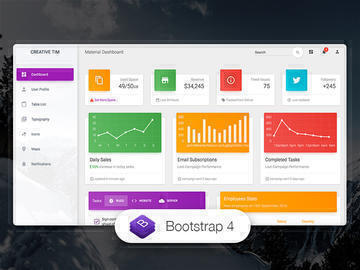
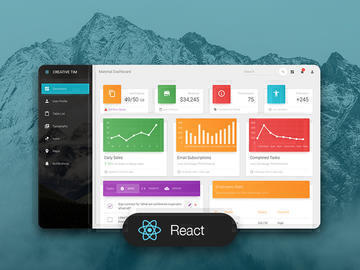
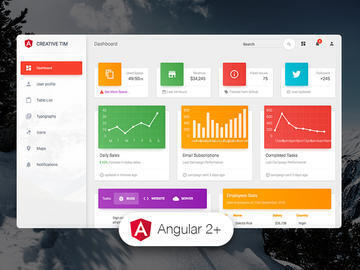
- Dashboards:
| HTML | React | Vue | Angular |
|---|---|---|---|
 |
 |
 |
 |
| HTML Dark | Vuetify |
|---|---|
 |
 |
Reporting Issues
We use GitHub Issues as the official bug tracker for the Material Kit. Here are some advices for our users that want to report an issue:
- Make sure that you are using the latest version of the Material Kit. Check the CHANGELOG from your dashboard on our website.
- Providing us reproducible steps for the issue will shorten the time it takes for it to be fixed.
- Some issues may be browser specific, so specifying in what browser you encountered the issue might help.
Upgrade to PRO Version
Are you looking for more components? Please check our Premium Version of Material Kit right here.
Licensing
Copyright 2020 Creative Tim (https://www.creative-tim.com/?ref=mk-github-readme)
Licensed under MIT (https://github.com/creativetimofficial/material-kit/blob/master/LICENSE.md)
Useful Links
- Tutorials
- Affiliate Program (earn money)
- Blog Creative Tim
- Free Products from Creative Tim
- Premium Products from Creative Tim
- React Products from Creative Tim
- Angular Products from Creative Tim
- VueJS Products from Creative Tim
- More products from Creative Tim
- Check our Bundles here
Social Media
Twitter: https://twitter.com/CreativeTim
Facebook: https://www.facebook.com/CreativeTim
Dribbble: https://dribbble.com/creativetim