 danielhusar
a11y-report 
Run accessibility report on the provided urls via axe-core
How it works
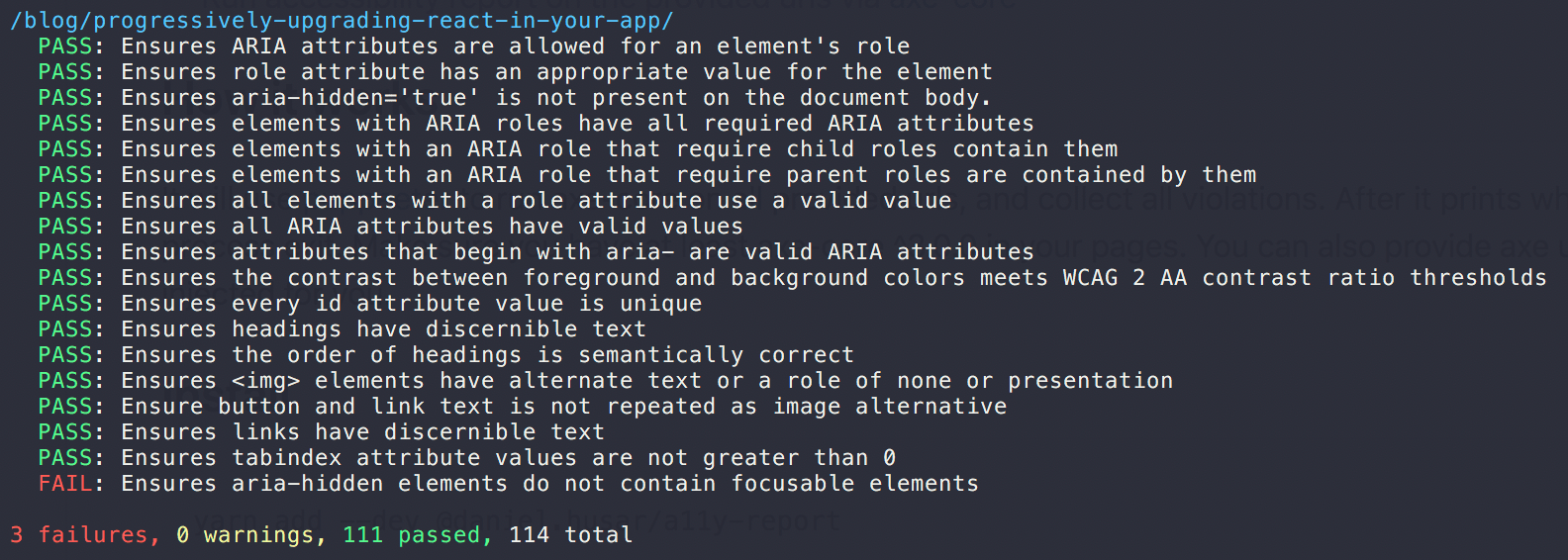
Using puppeeter we run axe-core on all provided urls and collect all violations.
Make sure you have at least axe-core ^3.0.0 loaded in your urls or provide axe url to be automatically injected for you.
Install
yarn add --dev @daniel.husar/a11y-reportor
npm install --dev @daniel.husar/a11y-reportUsage
import a11yReport from '@daniel.husar/a11y-report';

(async () => {
  const report = await a11yReport({
    urls: ['http://localhost:9001/index.html'],
    axeUrl: 'https://cdnjs.cloudflare.com/ajax/libs/axe-core/3.2.2/axe.min.js'
  });
})();
API
a11yReport(config)
Prints accessibility report with logger function and returns counts of passes, failures and warnings.
config
| Property | Type | Default | Description |
|---|---|---|---|
urls |
string[] |
[] |
Array of urls to run report on. |
delay |
number |
100 |
Delay to wait for axe-core to be executed. |
axeUrl |
string |
undefined |
Every page needs axe-core script to be loaded. If your pages don't load axe-core, you can provide axe-core url to be injected. |
ignoreViolations |
string[] |
[] |
Global array of all violations that should be ignored. |
ignoreViolationsForUrls |
{} |
[] |
Mappings of violations per url to ignore. Example: { 'http://localhost:9001/index.html': ['Violation to ignore'] } |
errorTags |
string[] |
['wcag2a', 'wcag2aa', 'wcag21aa'] |
Array of tags which would consider violation as error. |
reporter |
default |
simple∣default |
Which reporter to use. |
logger |
function |
console.log |
Logger function to use. |
axe |
{} |
| Axe-core config. | |
axe.context |
{} |
element: { include: ['html'] } |
Context parameter. |
axe.options |
{} |
{} |
Axe-core options parameter. |
Related
License
MIT