preignition
<multi-verse>
Polymer elements for graphical and interactive multivariate analysis (built on top of universe) and using d3.js V5, crossfilter and reductio under the hood.
Charts are rendered using multi-chart, or multi-geo for geo charts like choropleth. They are data driven and reactive, providing instant feedback to user interaction.
Motivation
Multi-verse is inspired by dc.js, a charting library allowing highly efficient exploration on large multi-dimensional datasets.
While dc.js requires users to code some of the chart logic and data intagration in javascript, multi-verse proposes a markup-first approach. This allows to build complex dashboard simply by combining multi-verse and multi-chart web components together, as illustrated in the example below.
Multi-verse components leverages crossfilter and are responsible for data management (aggregation, sorting, grouping), while multi-charts components render processed data in customizable visulalizations.
Demo and API
Demo and API are now available on netlify.
Simple Example
 <!-- Load the data -->
 <multi-csv url="flight.csv" data="{{data}}"></multi-csv>

 <!-- Start a multi-verse -->
 <multi-verse id="universe" data="[[data]]" universe="{{universe}}">

   <!-- Group the data by distances, exposes grouped data under 'data' attribute -->
   <multi-group universe="[[universe]]" data="{{data-chart-distance}}" group-by="distances">

     <!-- Render this group in a bar chart-->
     <multi-verse-bar title="distance" data="[[data-chart-distance]]">
     </multi-verse-bar>

   </multi-group>

   <!-- Group the data by day-->
   <multi-group universe="[[universe]]" data="{{data-chart-day}}" group-by="day">

     <!-- Render this group in a pie chart-->
     <multi-verse-pie title="day (pie)" data="[[data-chart-day]]" color-scale="{{colorScale}}" width="{{width}}">

       <!-- Add a color scale legend to the chart -->
       <multi-legend legend chart-width="[[width]]" scale="[[colorScale]]" position="top-right">
       </multi-legend>

     </multi-verse-pie>

   </multi-group>

 </multi-verse>
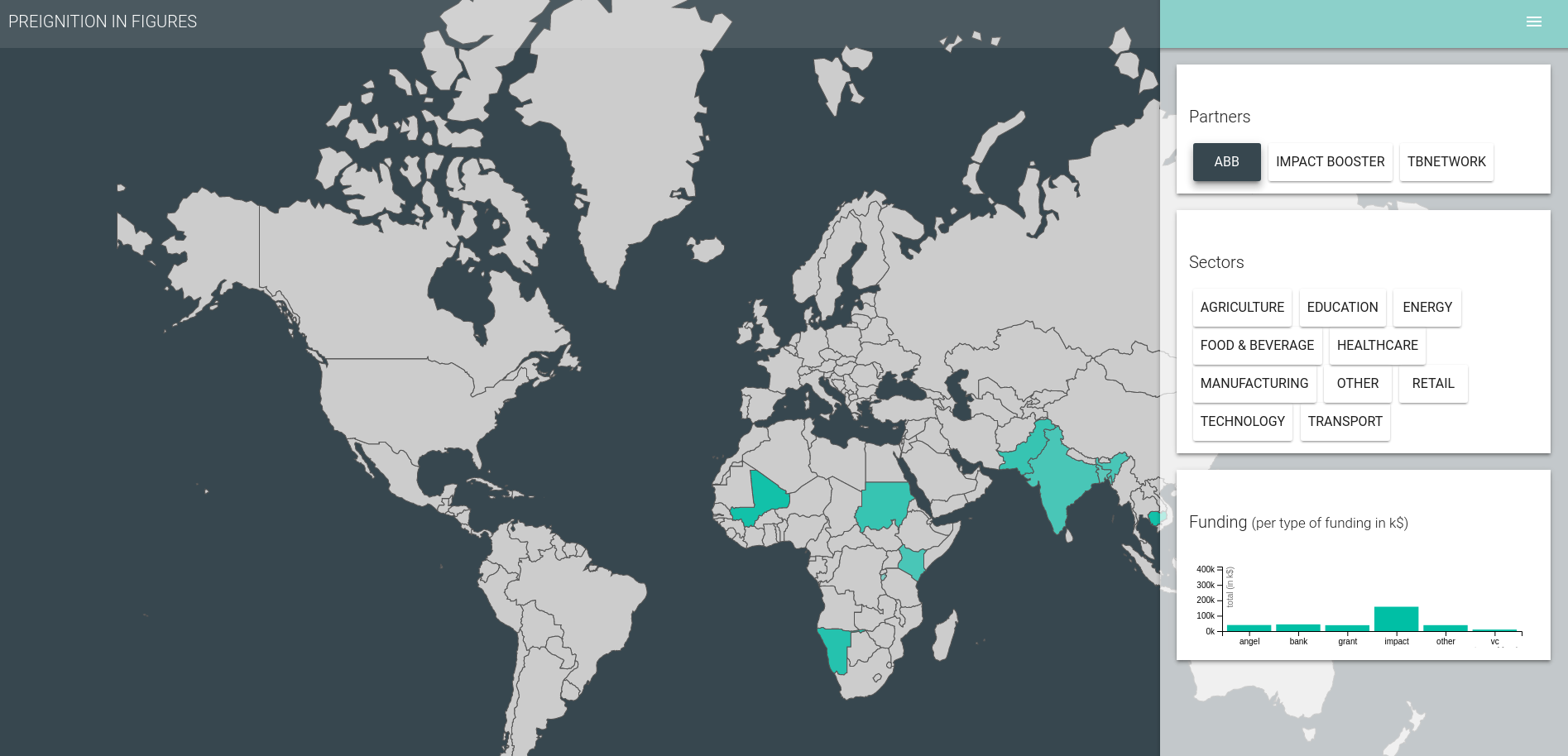
Example of multi-verse in a interactive dashboard
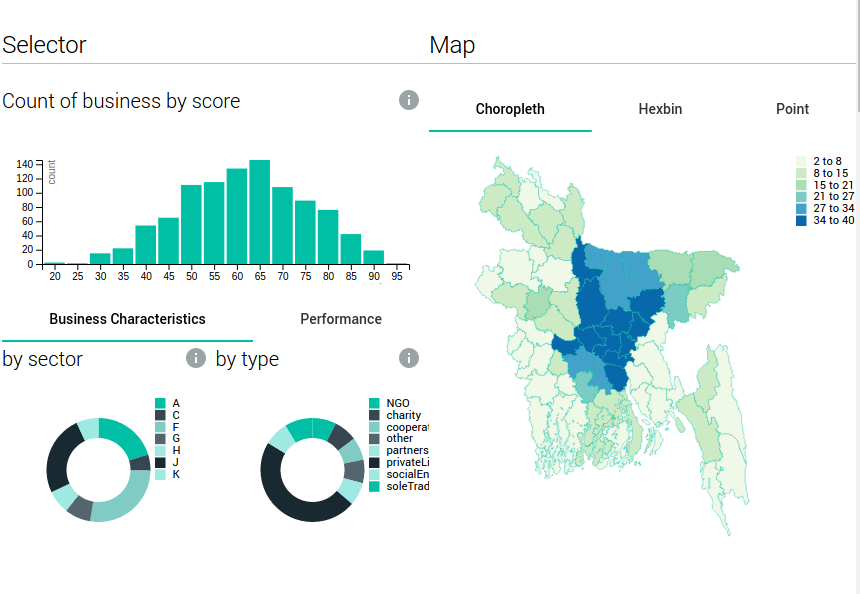
Other advanced example - available from the demo