 ESHAYAT102
ESYT



A modern CLI tool to quickly scaffold Vite or Next.js projects with your preferred tech stack.
Overview
esyt is a command-line interface tool that helps you create new Vite or Next.js projects with JavaScript or TypeScript, and popular packages like TailwindCSS, Framer Motion, Clerk, Appwrite, Prisma, and more. It provides a clean, professional setup experience with minimal output and smart automation.
Install
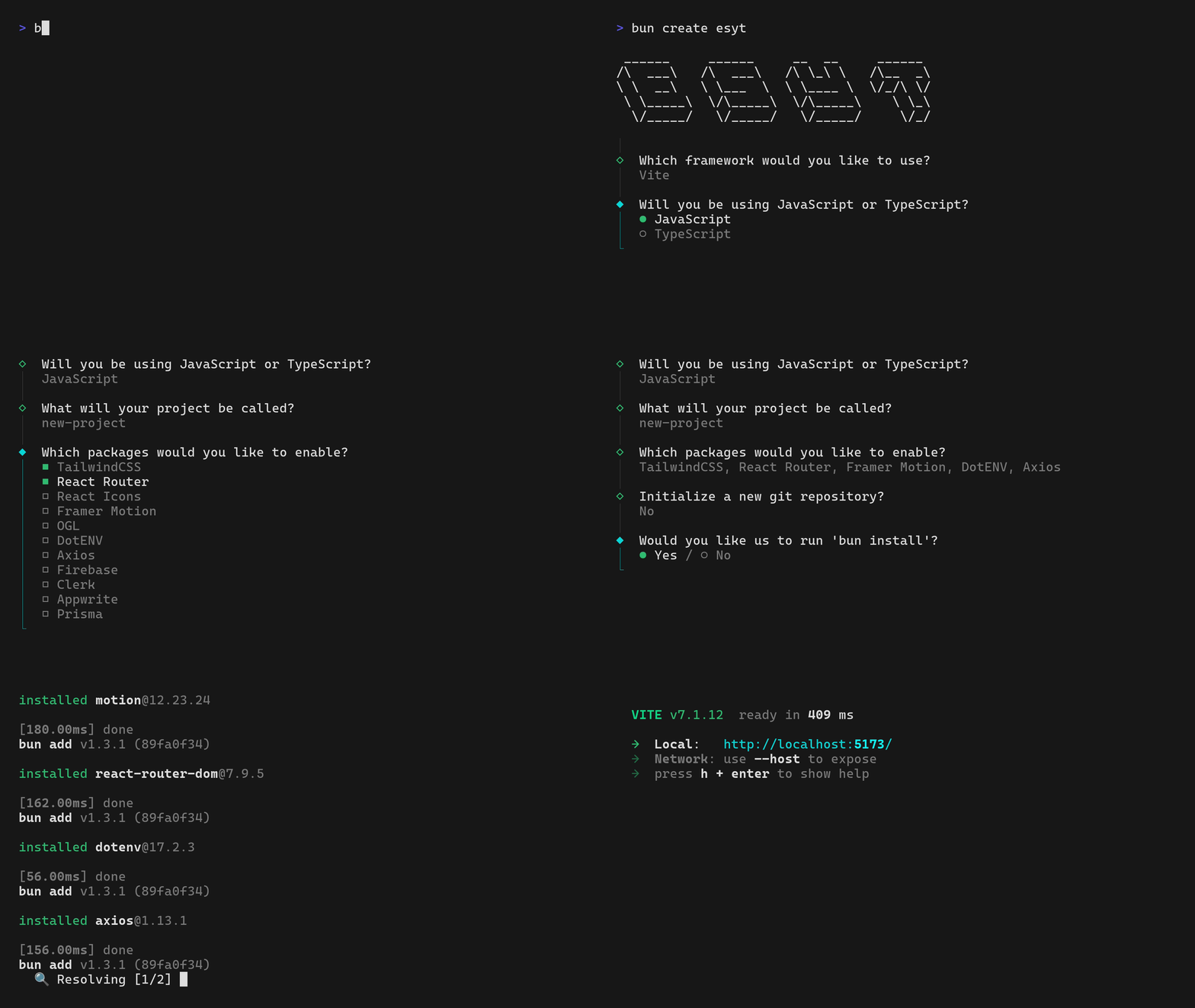
Prefer using bun with the create flow:
bun create esyt@latestAlternatively:
npm create esyt@latestpnpm create esyt@latestQuick example
Run non-interactively with Tailwind and dotenv, install deps, open VSCode, run dev:
bun create esyt -- -vite -js test-app --tailwindcss --react-router --dotenv --axios -i -code -no-git -devUseful flags
- Framework:
-vite/-next - Language:
-js/-ts - Project Directory Name: e.g. test-app
- Packages:
--tailwindcss,--dotenv, or any--<pkg>/-<pkg> - Git:
-git/ override--no-git - Install:
-i/--install/ override--no-install - Editor:
-nvim,-code,-zed,-cursor,-trae - Dev server:
-dev/ override--no-dev - Non-interactive:
--yes(accept sensible defaults) - Help/version:
-h/-v
Notes:
- Use
--afterbun create(or similar) to forward flags to this CLI. --yescan be combined with--no-gitto override defaults.
Links
- Repo: https://github.com/ESHAYAT102/esyt
- Homepage: https://esyt.eshayat.com