 letrungtan
infinite-carousel-vue
A flexible, lightweight, touch & wipe support carousel library for Vue 3, supporting infinite loop mode.
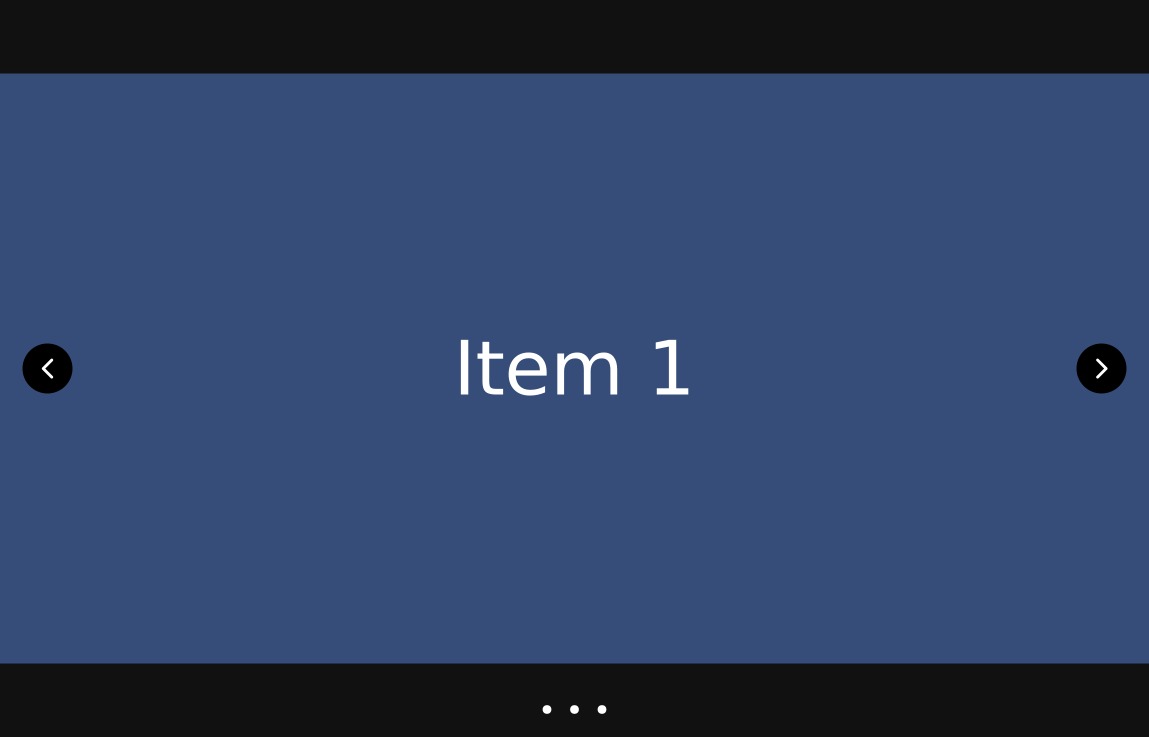
Installation
NPM
$ npm i infinite-carousel-vueUse the component.
import { InfiniteCarousel, Slide } from 'infinite-carousel-vue'Usage
Basic Usage
<InfiniteCarousel
    :itemPerSlide="1"
    :itemPerMove="1"
    infinite
    infiniteOnWipe
>
    <Slide
        v-for="(item, index) in ['Item 1', 'Item 2', 'Item 3']"
        :key="index"
    >
        {{ item }}
    </Slide>
</InfiniteCarousel>
Props
| Name | Type | Default | Description |
|---|---|---|---|
itemPerSlide |
Number |
1 | The number of items to show per slide. |
itemPerMove |
Number |
1 | The number of items to move per slide when navigating. |
duration |
Number |
500 | The duration of the transition in milliseconds. |
height |
String |
'' | Specifies the height of the carousel viewport. |
className |
String |
'' | Optional CSS class to add custom styling to the carousel container. |
showPagination |
Boolean |
true | Determines whether dot pagination controls should be visible. |
showNavigation |
Boolean |
true | Controls whether navigation arrows (previous/next) are displayed. |
infinite |
Boolean |
true | Enables infinite scrolling. When true, the carousel will loop back to the first slide after reaching the last and vice versa. |
infiniteOnWipe |
Boolean |
true | Enables infinite scroll behavior even when the user swipes manually (e.g., on mobile). |
noBoundaries |
Boolean |
false | If true, the carousel will allow scrolling past the boundaries on one move (fixed item per move). If false, it will stop at the last or first item. |
autoplay |
Boolean |
false | Enables automatic sliding of slides. |
autoplayInterval |
Number |
2000 | The interval (in ms) between slides when autoplay is enabled. |
autoplayDirection |
String |
'forward' | The direction of autoplay ('forward' or 'backward'). |
Events
| Event Name | Type | Description |
|---|---|---|
itemChange |
Number |
Emitted when moving to another item. |
slideChange |
Number |
Emitted when moving to another slide. |