 MaoJianwei
Mao Service Discovery
| Category | Job |
|---|---|
| Build |    |
| Test |   |
| Analyze |  |
| CI/CD |      |
| Linux Package | Github Docker Image = NPM official = Taobao & Alibaba Cloud mirror |
| Windows Package | NPM official = Taobao & Alibaba Cloud mirror |
| WebUI Package | NPM official = Taobao & Alibaba Cloud mirror |
Quick Show - Digital Map
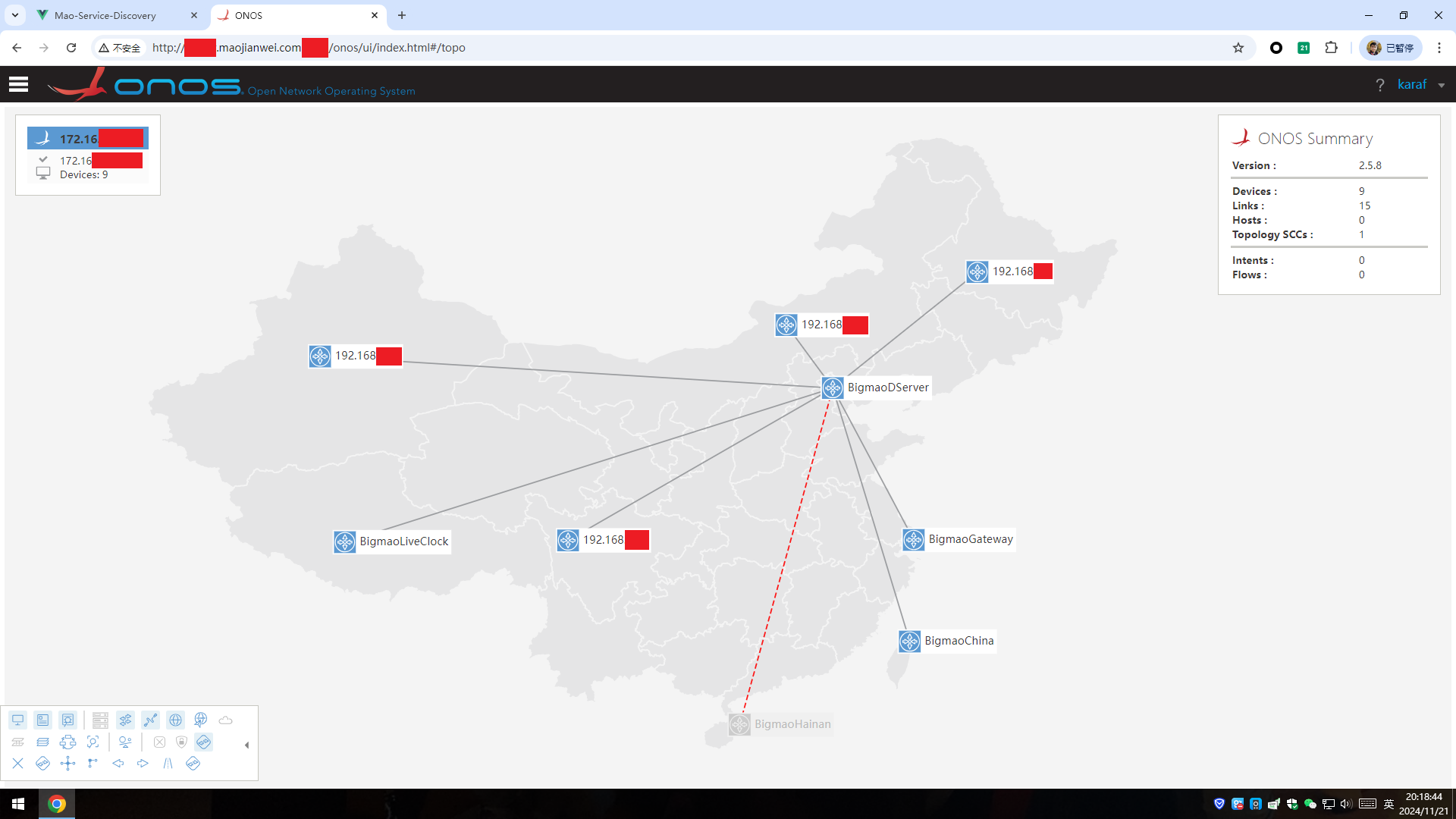
For this example, we utilizes the map UI and API provided by ONOS_TopologyShow_ChineseMap project :)
Build
Method 1: Compile and link statically, and build WebUI 2.0
./build_all.shMethod 2: Compile and link statically
./statically_linked_compilation.shMethod 3: Build WebUI 2.0
./build_webui.shRun
Example 1: Run client
./MaoServerDiscovery client --report_server_addr 2001:db8::1 --silent --log_level WARNExample 2: Run server
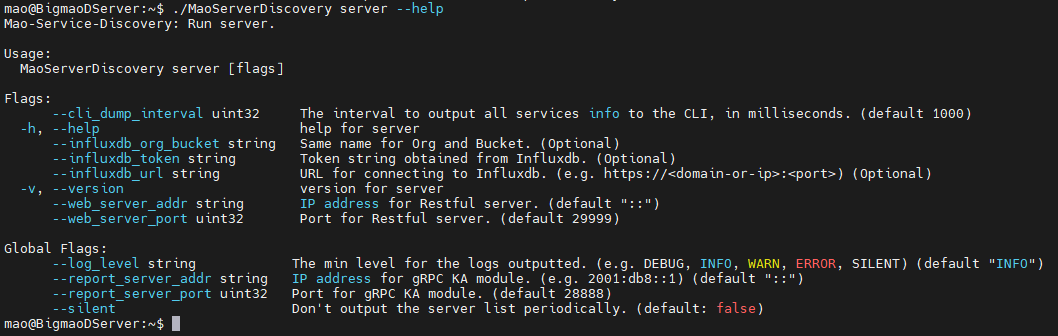
In order to open the ICMP listening socket, you need CAP_NET_RAW capability from setcap / root account / sudo to run this command.
$ sudo setcap CAP_NET_RAW+eip ./MaoServerDiscovery
$ getcap ./MaoServerDiscovery
  [output] ./MaoServerDiscovery cap_net_raw=eip
./MaoServerDiscovery server --report_server_addr :: --silent --log_level WARN \
--influxdb_url https://xxxxxx.maojianwei.com:12345 --influxdb_org_bucket xxxxxx --influxdb_token xxxxxx==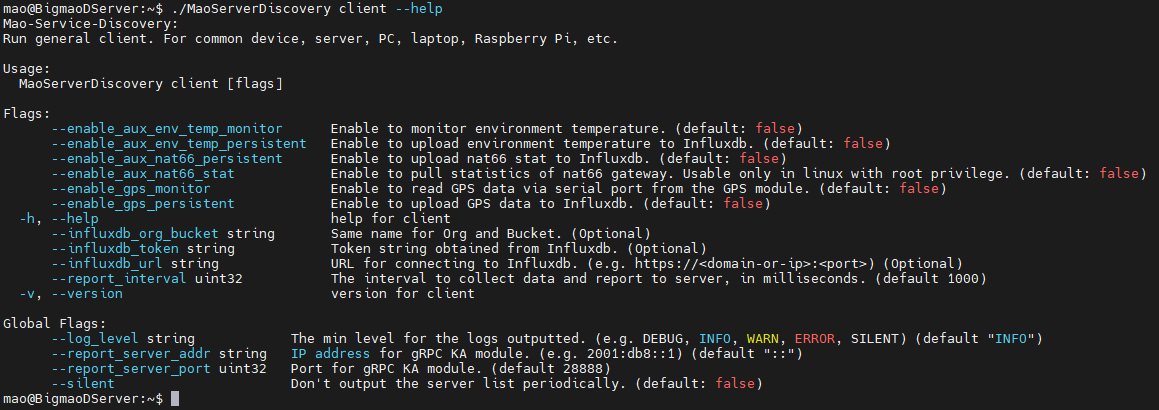
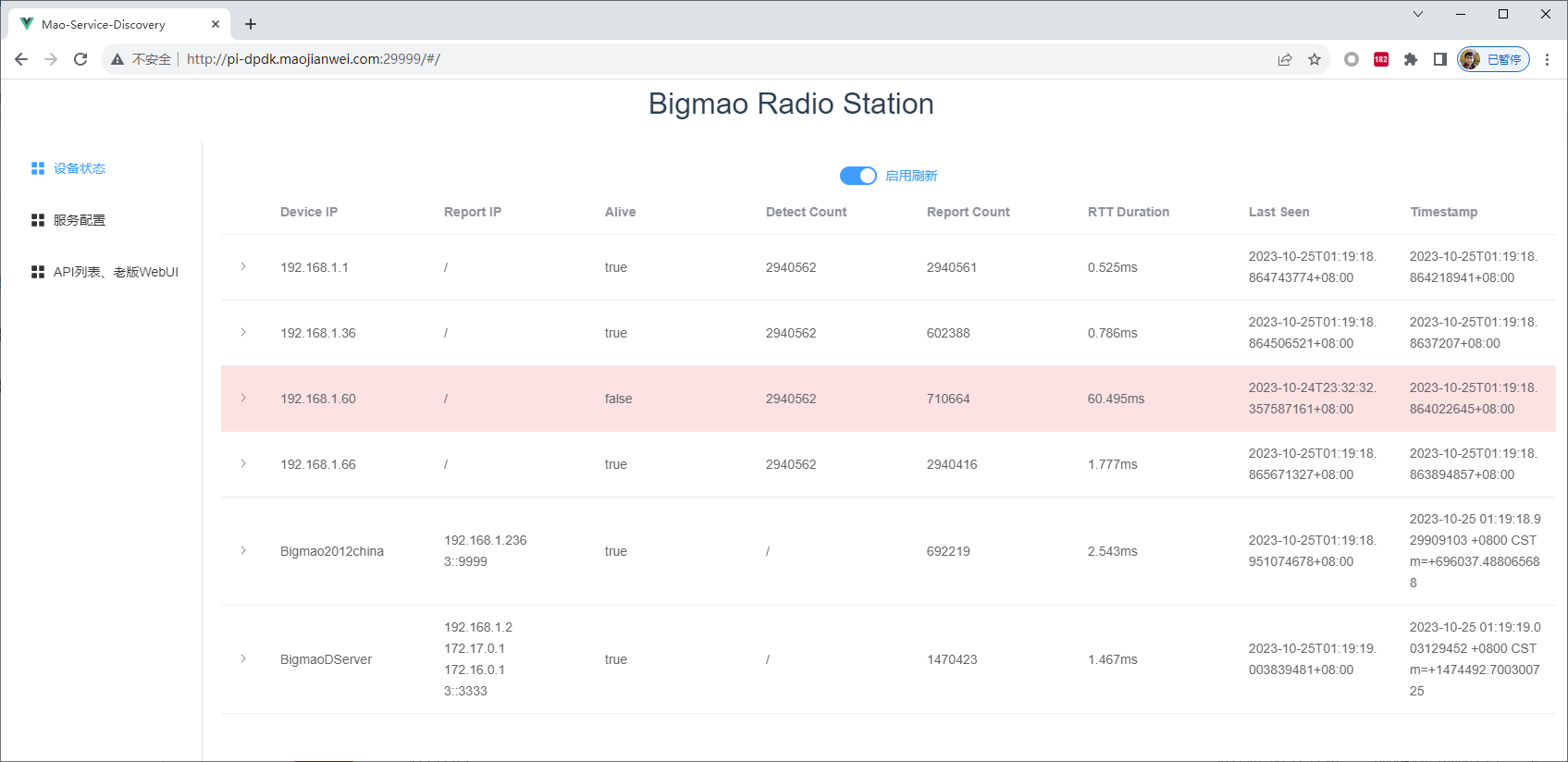
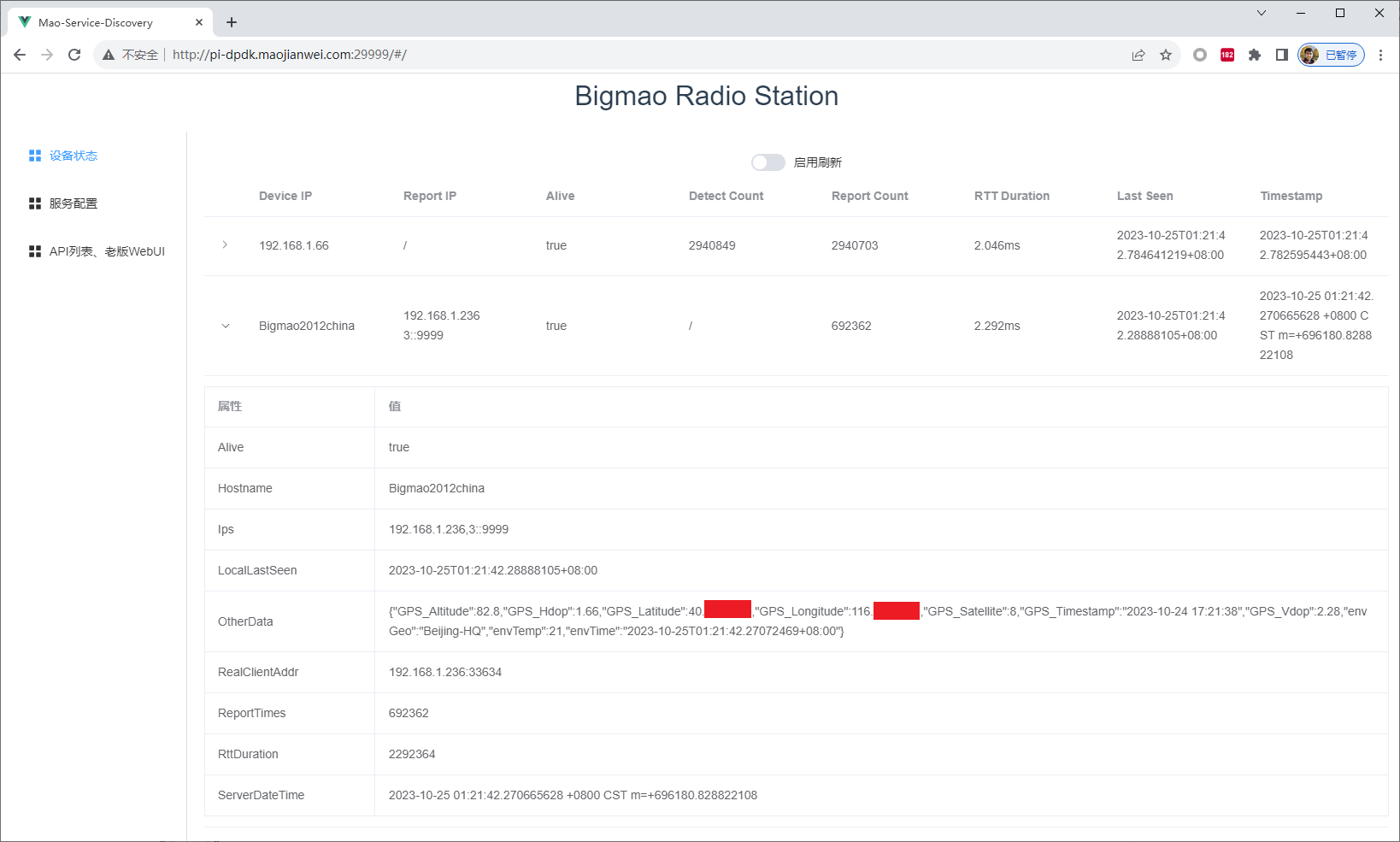
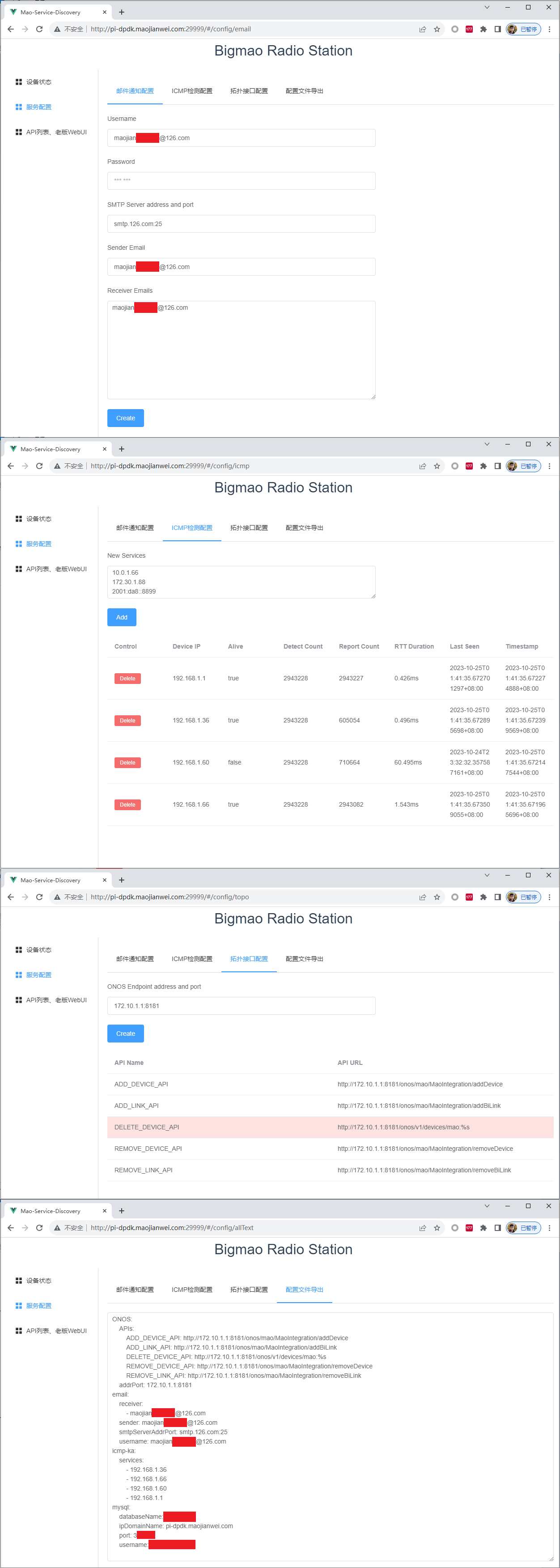
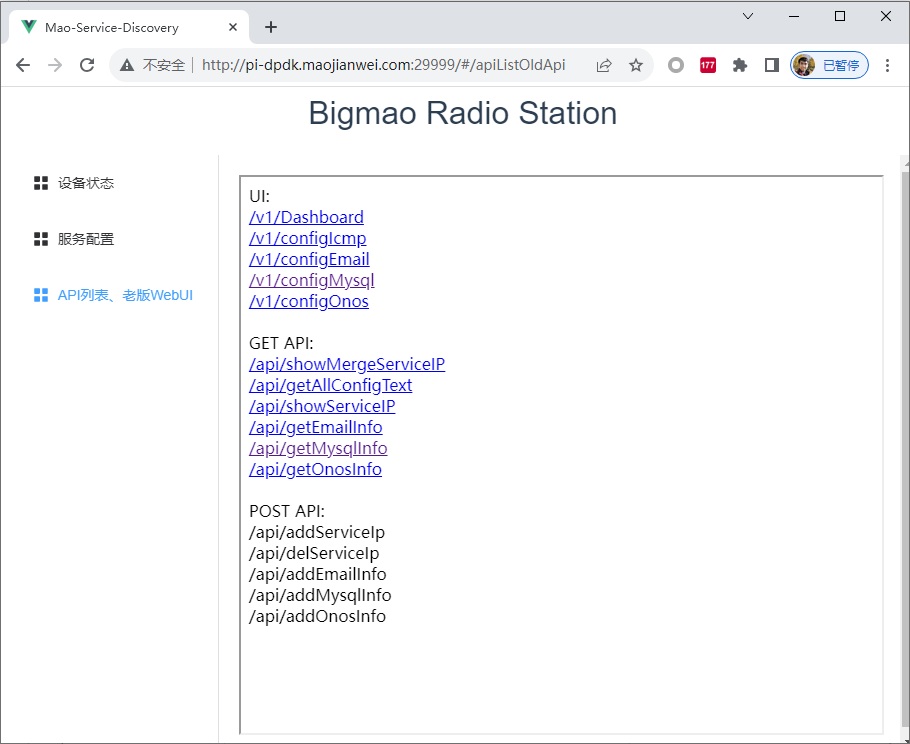
Web UI 2.0
Software Architecture
Please refer to MODULES.md file.
Todo List
Please refer to the agile board.
Initial need
Discover your service by two methods:
- Client-Server mode, using gRPC stream.
- Server-only mode, using ICMP.
- Using etcd.
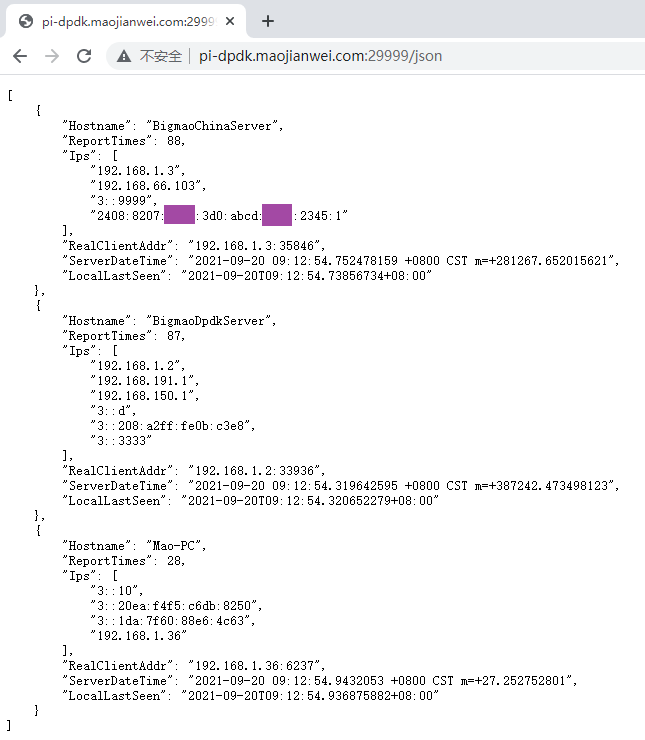
Product: Client-Server mode, using gRPC stream.
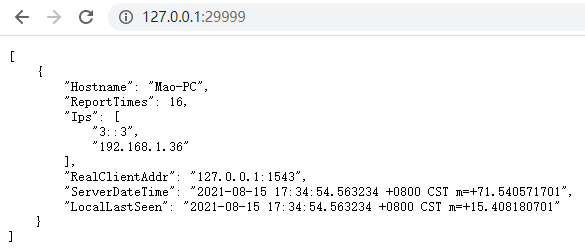
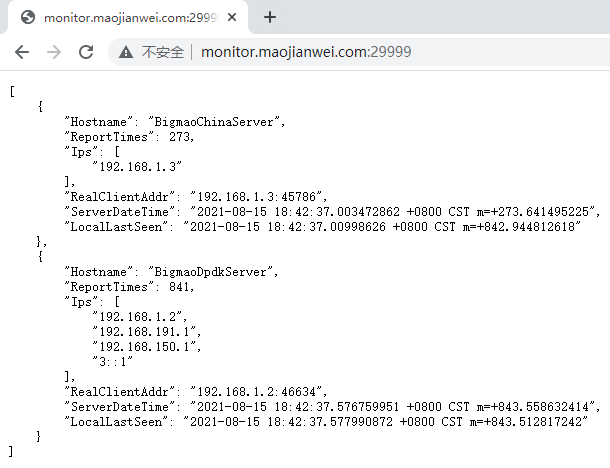
1. REST API (JSON format)
2. Web Monitor

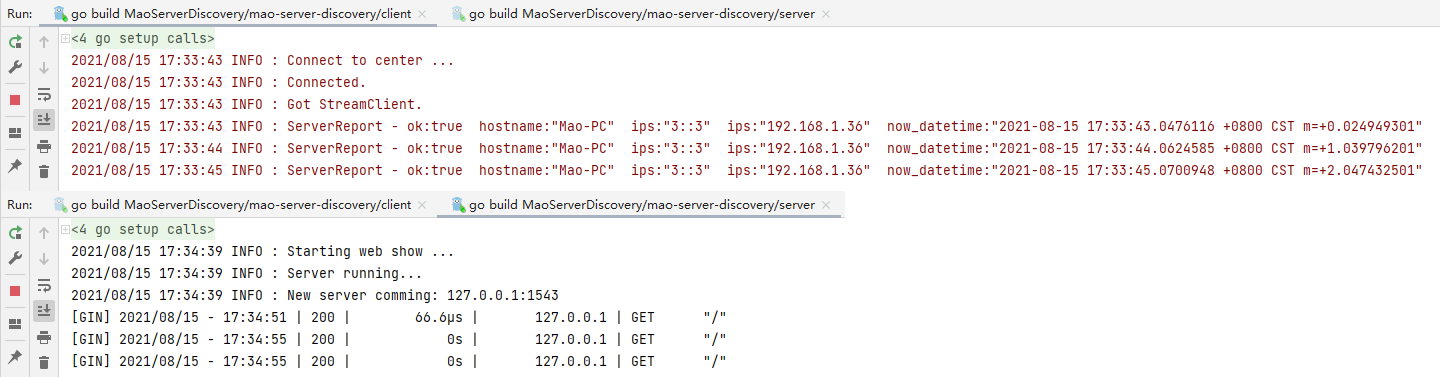
3. CLI Output

4. CLI Parameters
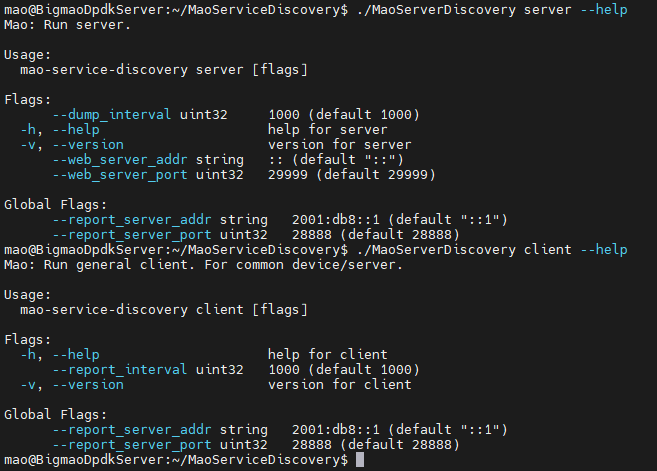
Demo 1: Client-Server mode, using gRPC stream.
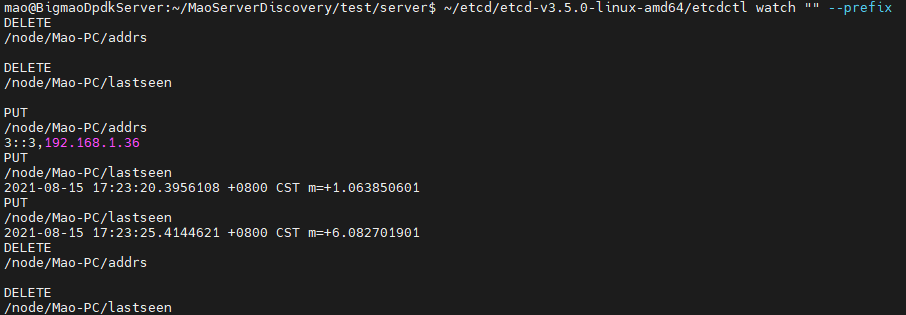
Demo 2: Using etcd.
Architect
Jianwei Mao
E-mail: maojianwei2012@126.com
.
Supported by JetBrains IDEA Open Source License 2020-2024.