 sasza2
panzoom-core
Library for pan and zoom with possibility to moving, resizing and selecting elements inside.

Demo
https://codesandbox.io/s/quiet-snow-qldnic
https://codesandbox.io/s/black-sound-vn77k9 (map with pin)
https://codesandbox.io/s/young-darkness-igcf67 (example from above)
https://codesandbox.io/s/gifted-pine-dhw9m6 (selecting elements)
https://codesandbox.io/s/festive-matsumoto-ccskw0 (Tic Tac Toe)
Library react-web-builder
Library react-grid-panzoom
Library @sasza/react-panzoom
Library react-drawing
Installation
npm install panzoom-core
Options
| Name | | Default | Description |
| --- | --- | --- | --- |
| boundary | { top, right, bottom left, parent } \| bool | false | top, right, bottom, left - numbers in px.
can be used as expression like: { top: 'childHeight - containerHeight - 100px' }
| disabledUserSelect | bool | false | prevent css select as text etc |
| disabled | bool | false | disabling pan and zoom |
| disabledElements | bool | false | disabling moving elements |
| disabledMove | bool | false | disabling move |
| disabledZoom | bool | false | disabling zoom |
| height | string/number | 100% | height of child container |
| onContainerChange | func | null | event on move/zoom |
| onContainerClick | func | null | event on mousedown/touchdown |
| onContainerPositionChange | func | null | event on position change |
| onContainerZoomChange | func | null | event on zoom change |
| onElementsChange | func | null | callback invoked when elements change position |
| selecting | bool | false | switches to selecting mode, see selecting |
| width | string/number | 100% | width of child container |
| zoomInitial | number | 1 | initial zoom value |
| zoomMax | number | 5 | maximum zoom |
| zoomMin | number | 0.3 | minimum zoom |
| zoomSpeed | number | 1 | zoom speed on wheel event |
API
import initializePanZoom from 'panzoom-core'

const node = document.querySelector('[data-id="panzoom"]')
const panZoom = initializePanZoom(node, options)<div>
<div data-id="panzoom"> </div>
</div>panzoom methods:
| Function | Description |
|---|---|
| setOptions(options) | Setting options for panzoom |
| addElement(node: HTMLDivElement, elementOptions: ElementOptions) => ElementApi | Adding new element to moving |
| move(x:number, y:number) | Add x and y in px to current offset. Returns current position {x, y} |
| getElements() | Returns map of elements |
| getPosition() | Returns current position {x, y} |
| setPosition(x:number, y:number) | Set offset position of pan |
| getZoom():number | Returns current zoom |
| setZoom(zoom:number) | Sets zoom |
| zoomIn(zoom:number) | Add to current zoom, could be also negative number (it will work like zoomOut) |
| zoomOut(zoom:number) | Sub from current zoom |
| childNode | Returns passed node |
| reset() | Reset to (0, 0, 0) |
| destroy() | Unmounting panzoom element |
Elements
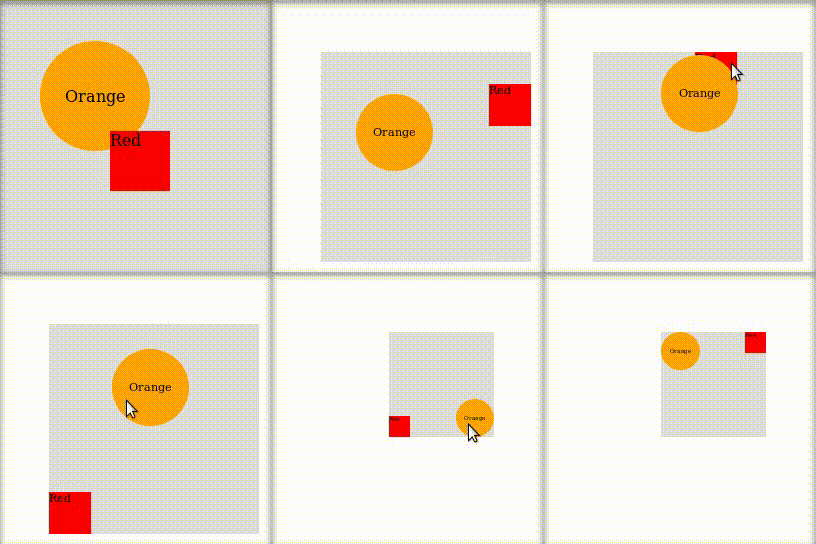
import initializePanZoom from 'panzoom-core'

const node = document.querySelector('[data-id="panzoom"]')
const panZoom = initializePanZoom(node, options)

const elementA = panZoom.addElement(
  document.querySelector('[data-id="element-a"]'),
  { id: 'a' },
)
const elementB = panZoom.addElement(
  document.querySelector('[data-id="element-b"]'),
  { id: 'b', x: 100, y: 100 },
)<div>
<div data-id="panzoom">
<div data-id="element-a">test</div>
<div data-id="element-b">move me</div>
</div>
</div>Element properties
| Name | | Default | Description | | --- | --- | --- | --- | | id * | string/id | undefined | Unique ID of element | | className | string | undefined | Class name for element | | disabled | bool | false | Disabling element | | draggableSelector | string | undefined | Selector for dragging element | | family | string | undefined | Name of element's family, all of elements are connected during moving | | followers | Array<string/id> | [] | Similar to family, but for specified ids of elements | | onClick | func | null | Event on element's click | | onMouseUp | func | null | Event on element's mouse up | | x | number | 0 | x position of element | | y | number | 0 | y position of element |
* - is required
Selecting
import initializePanZoom from 'panzoom-core'

// ...
const panZoom = initializePanZoom(node, { selecting: true })

// to disable:
panZoom.setOptions({ selecting: false })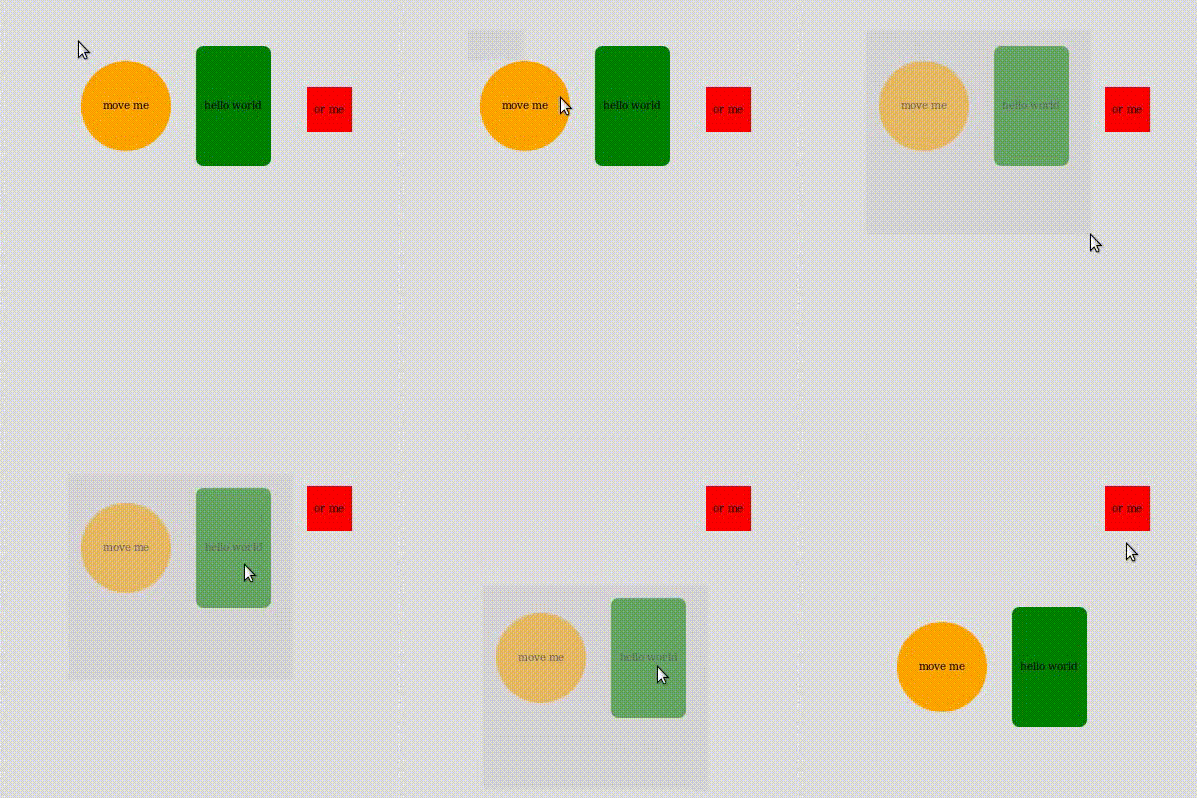
Installing for development
pnpm iTesting
pnpm testExamples
pnpm dev