 surajSanwal
react-native-customer-review-bars
A customizables ListView that allows you to display customer review scale.
Install
Using NPM
npm install react-native-customer-review-barsUsing Yarn
yarn add react-native-customer-review-barsExample
| | |
| :--------------------- | :------------------------: |
| 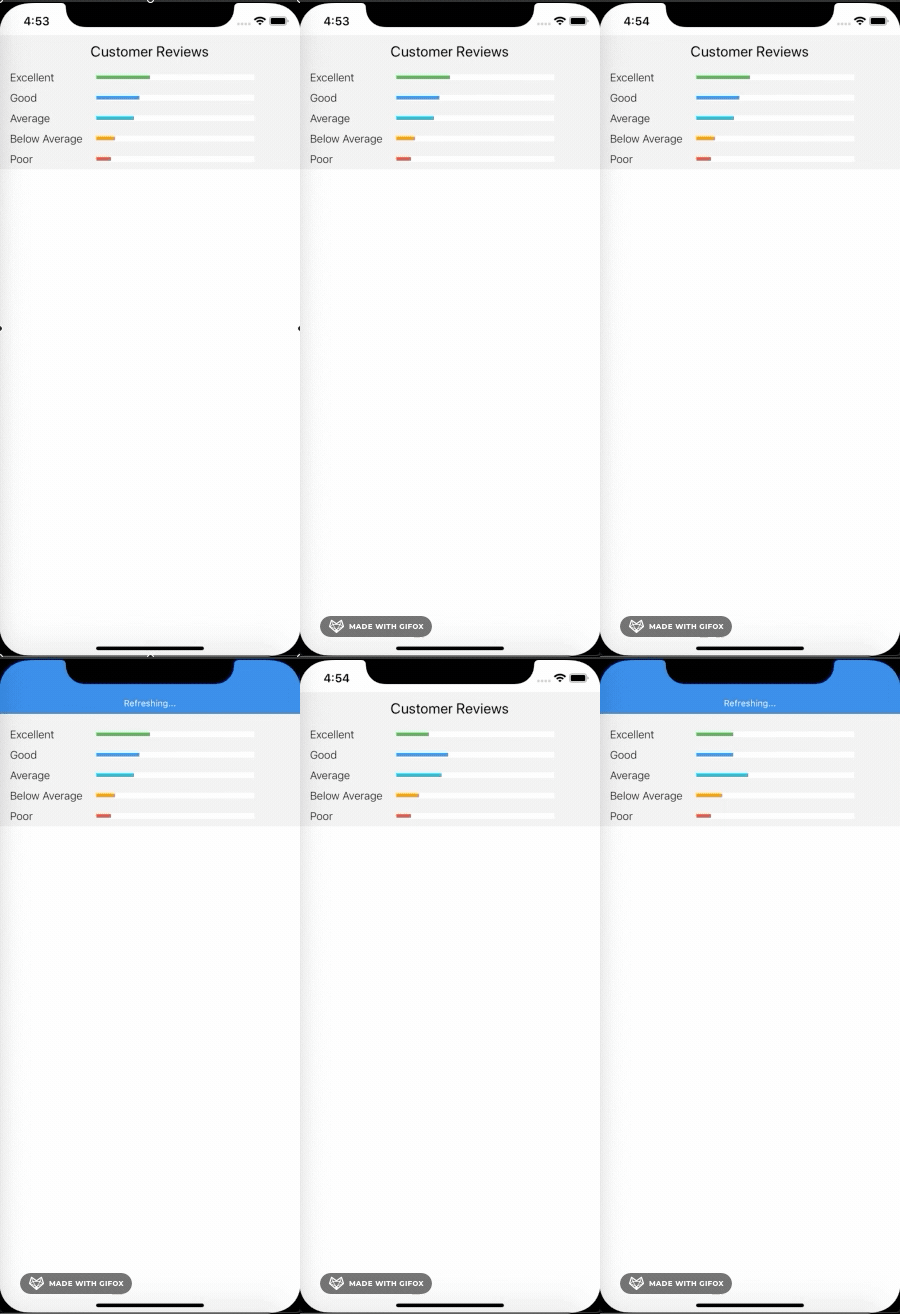 |
| 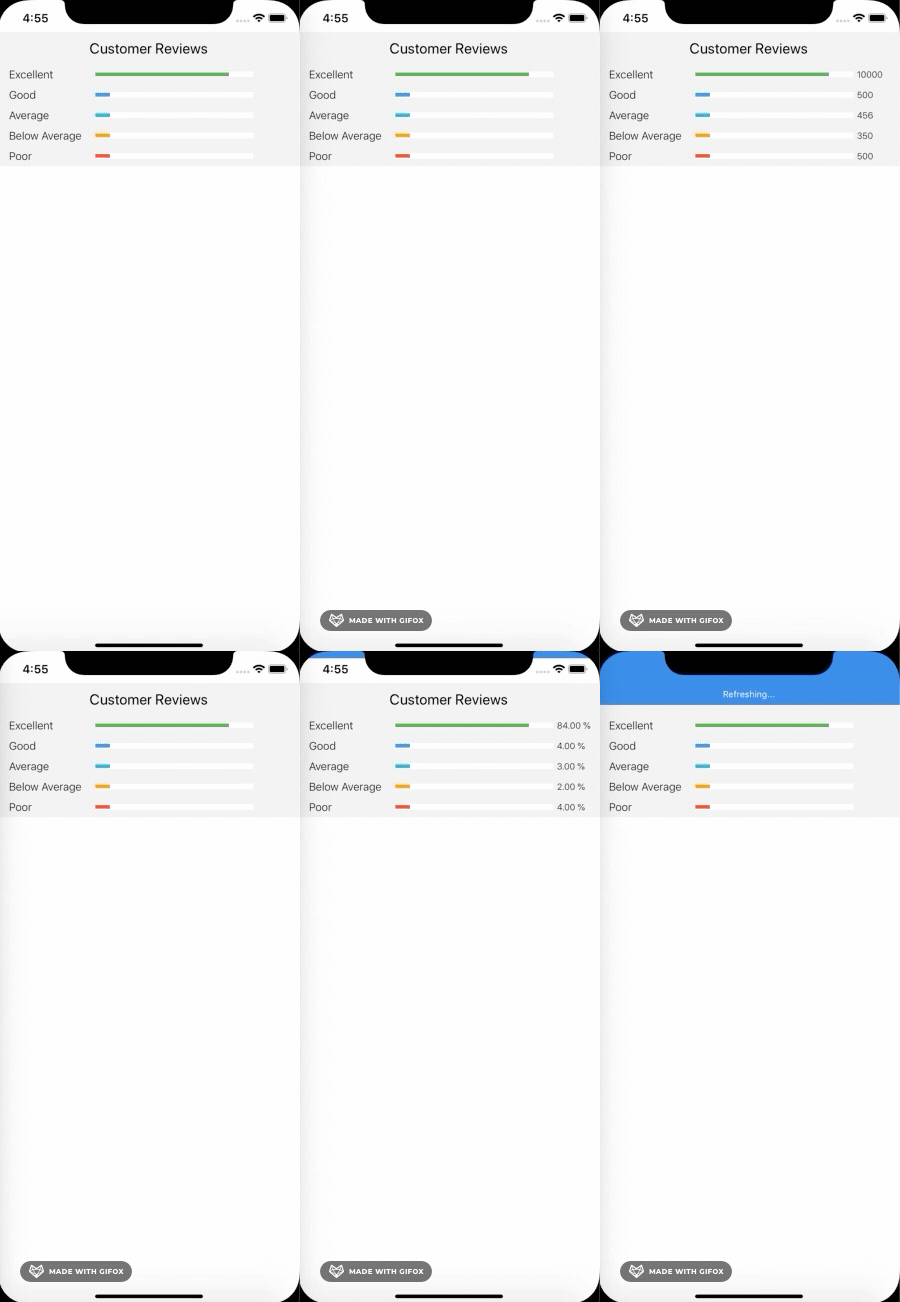 |
|
Usage
import React, { Component } from "react";
import { View } from "react-native";
import Review from "react-native-customer-review-bars";

const reviews = [
  { value: 10000 },
  { value: 500 },
  { value: 456 },
  { value: 350 },
  { value: 500 }
];
// --- OR ---
// const  reviews = [
//   { value: 10000 , type:"Excellent"},
//   { value: 500 ,type:"Great"},
//   { value: 456 },
//   { value: 350 },
//   { value: 500 }
// ];
// to make custom messages
class App extends Component {
  render() {
    return <Review reviews={reviews} />;
  }
}
export default App;
Properties
| Prop | Default | Type | Description |
|---|---|---|---|
| reviews | [] |
array |
All items available in the list (array of string or { type, value }) |
| showPercentage | false |
bool |
Display percentage of reviews |
| showCount | false |
bool |
Display count of reviews |
| colors | ["#4CAF50", "#2196F3", "#00bcd4", "#ff9800", "#f44336"] |
Array |
Change color of bars |
| reviewTypeStyle | {} |
object |
Style for the "type" label. |
| rightTextStyle | {} |
object |
Style for the "percentage or value" label. |
| flatListProps | {} |
object |
FlatList for pass flatlist props inside the component. |
| barStyle | {} |
object |
Style for the "empty barStyle" style. |
| barFillStyle | {} |
object |
Style for the "filled bar" style. |
License
© Suraj Sanwal