 Relaxed-Theme
Relaxed Theme for Terminus
A relaxed Terminus theme to take a more relaxed view of things. Also available for iTerm, Hyper, the macOS Terminal and a bunch of others.
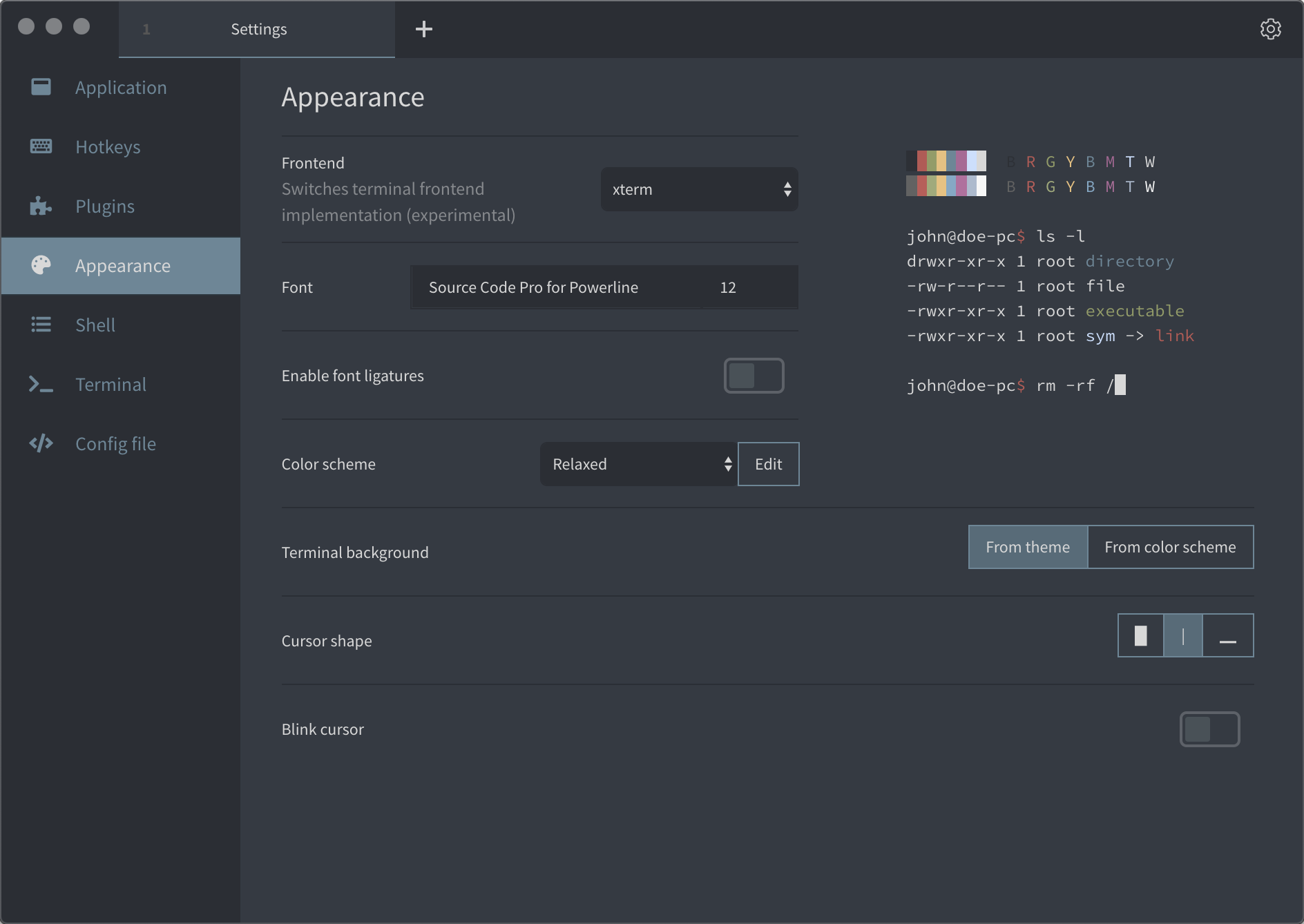
Install
To install Relaxed for Terminus:
- Go to Plugins in Settings.
- Install
terminus-relaxed-themein the available plugins and restart. - Select »Relaxed« in the Theme Dropdown menu.
- Go to Appearance in Settings.
- Select »Relaxed« in the Colornscheme Dropdown menu.
- Enjoy.
Related
- relaxed-terminal-themes - Relaxed Theme for macOS Terminal, iTerm, Hyper and bunch of other Terminal emulators.
- atom-relaxed-syntax - Relaxed Theme for Atom.
- vscode-theme-relaxed - Relaxed Theme for Visual Studio Code.
License
Please be aware of the licenses of the components we use in this project. Everything else that has been developed by the contributions to this project is under MIT License.