 ganbat6093
vue-input-calculator




Calculator interface for input field. Touch & Keyboard input. Vue.js component.
Vue 2 < ver. 1.0.0
Vue 3 > ver. 1.0.0
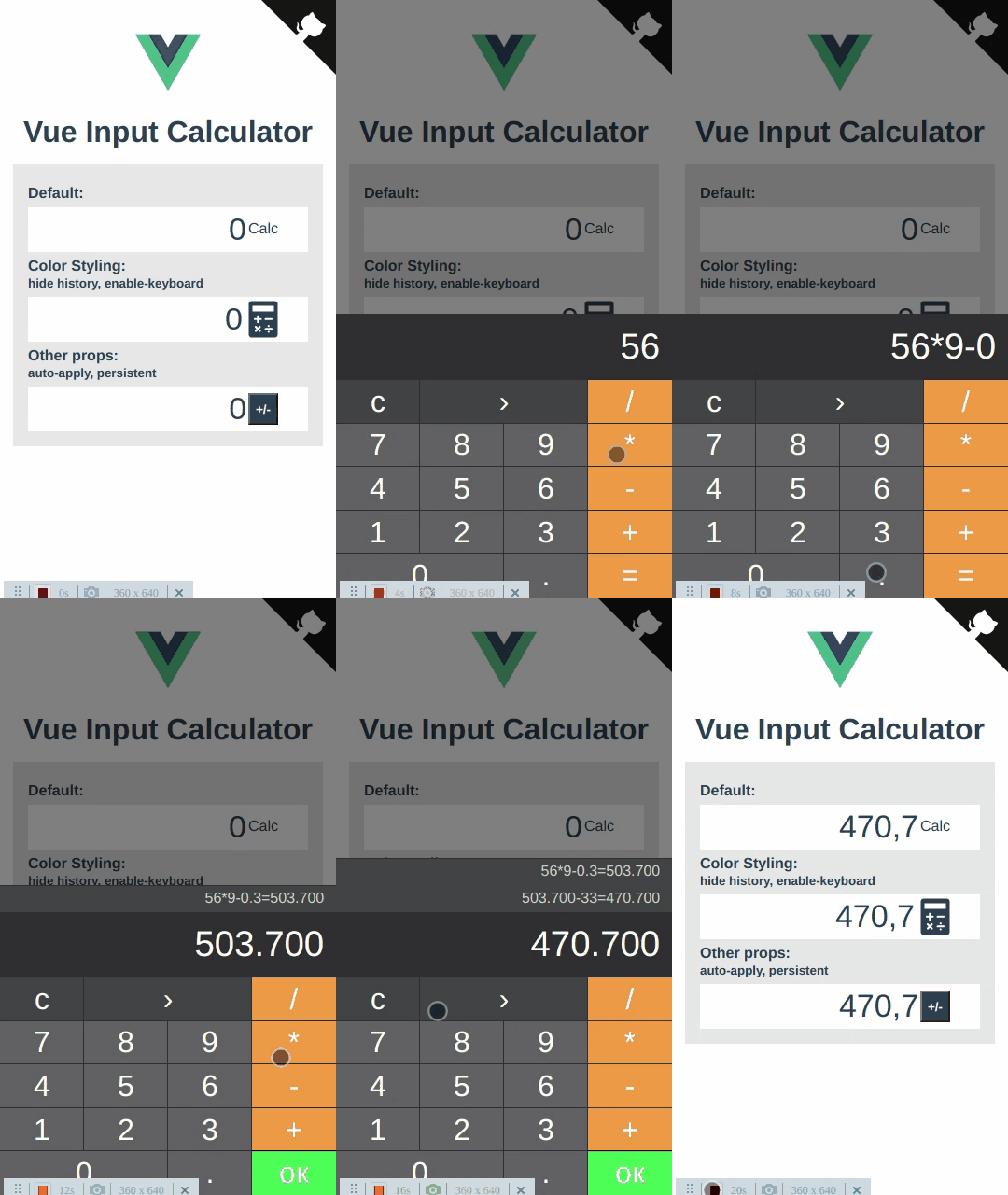
Demo
Install
yarn add vue-input-calculatorOr
npm install --save vue-input-calculatorAdd to project
Global
// main.js
import VueInputCalculator from "vue-input-calculator";
Vue.component('vue-input-calculator', VueInputCalculator);
Local Usage
<template>
  <div>
      <input type="number" v-model.number="targetValue"/>
      <VueInputCalculator enableKeyboard v-model="targetValue">
        CALC
      </VueInputCalculator>
  </div>
</template>
<script>
  import VueInputCalculator from "vue-input-calculator";
  export default {
    name: 'component.vue',
    components: {VueInputCalculator},
    data() {
      return { targetValue: 0 }
    }
  }
</script>
Setup
Parameters
| Props(Parameter) | Type | Default | Description |
|---|---|---|---|
| v-model (required) | String, Number |
- | target input value |
| auto-apply | Boolean |
false |
auto continue/close on calc result |
| enable-keyboard | Boolean |
false |
enable keyboard input |
| persistent | Boolean |
false |
disable backdrop click to cancel (outside click) |
| readonly-input | Boolean |
true |
calculator input read only |
| is-history-logs | Boolean |
true |
show math operations log |
| z-index | String, Number |
9999 | layer calculator z-index position |
| place | in-place|modal |
modal |
in-place puts interface in its DOM position, modal or other displays on click input. |
| trigger-wrapper-class | String |
- | trigger for open calculator class styles |
| text-color | String |
#ffffff |
calculator text color |
| bg-color | String |
#2f2f31 |
calculator background color |
| event-buttons-bg-color | String |
#424345 |
calculator buttons color(c, ›) |
| number-buttons-bg-color | String |
#616163 |
calculator buttons color(0-9.) |
| action-buttons-bg-color | String |
#f49e3f |
calculator buttons color(+-*=) |
| action-success-button-bg-color | String |
#3ff451 |
calculator OK button color |